
Everything a pool route needs
Run your route from your phone. Test the water, log what you added, check off the work, and PoolServiceBook emails the homeowner a service report before you're back in the truck.
Directions for use
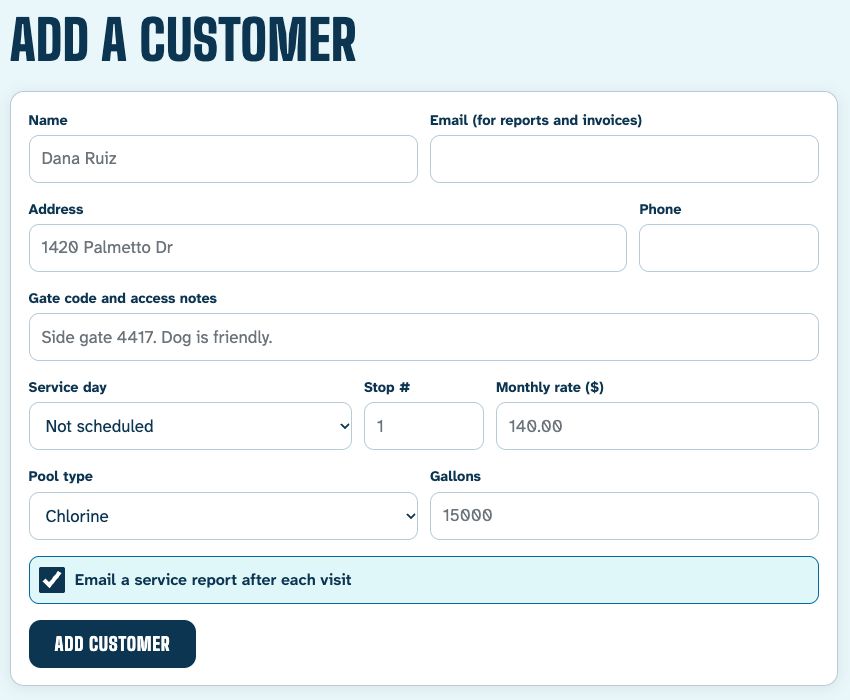
Add your pools.
Name, address, gate code, service day, stop order and monthly rate. Five minutes for a short route, a sitting for a long one.
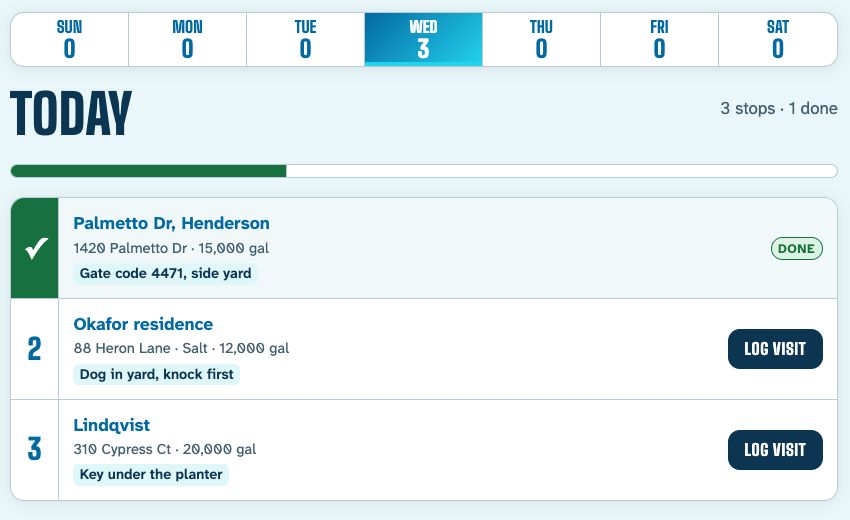
Open today's route.
Stops come up in order for the weekday, with the gate code right there. Tap a stop when you pull up.
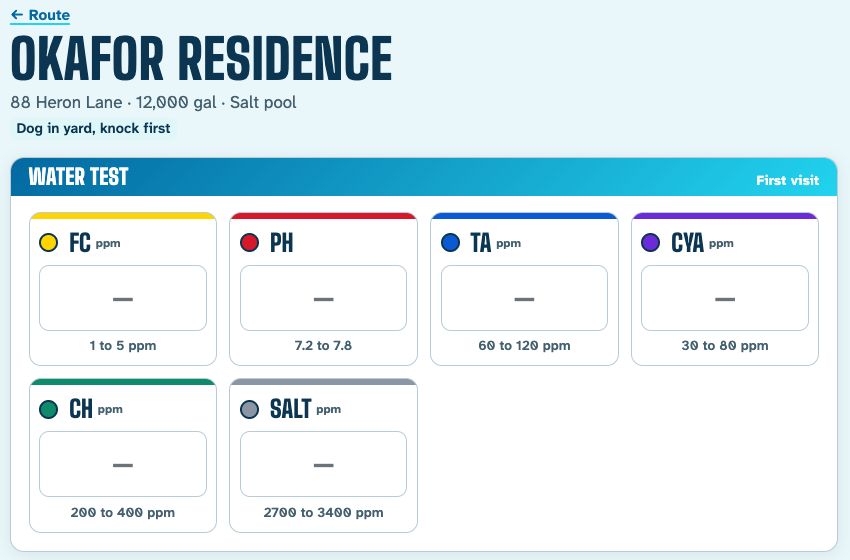
Test, dose, check off.
Type the readings and PoolServiceBook flags anything low or high. Tap in the chemicals you added and the work you did.
Save.
The homeowner gets a report by email with readings, chemicals and your notes. No signal in the backyard? The visit waits on the phone and sends itself later.
Clearline PoolsService report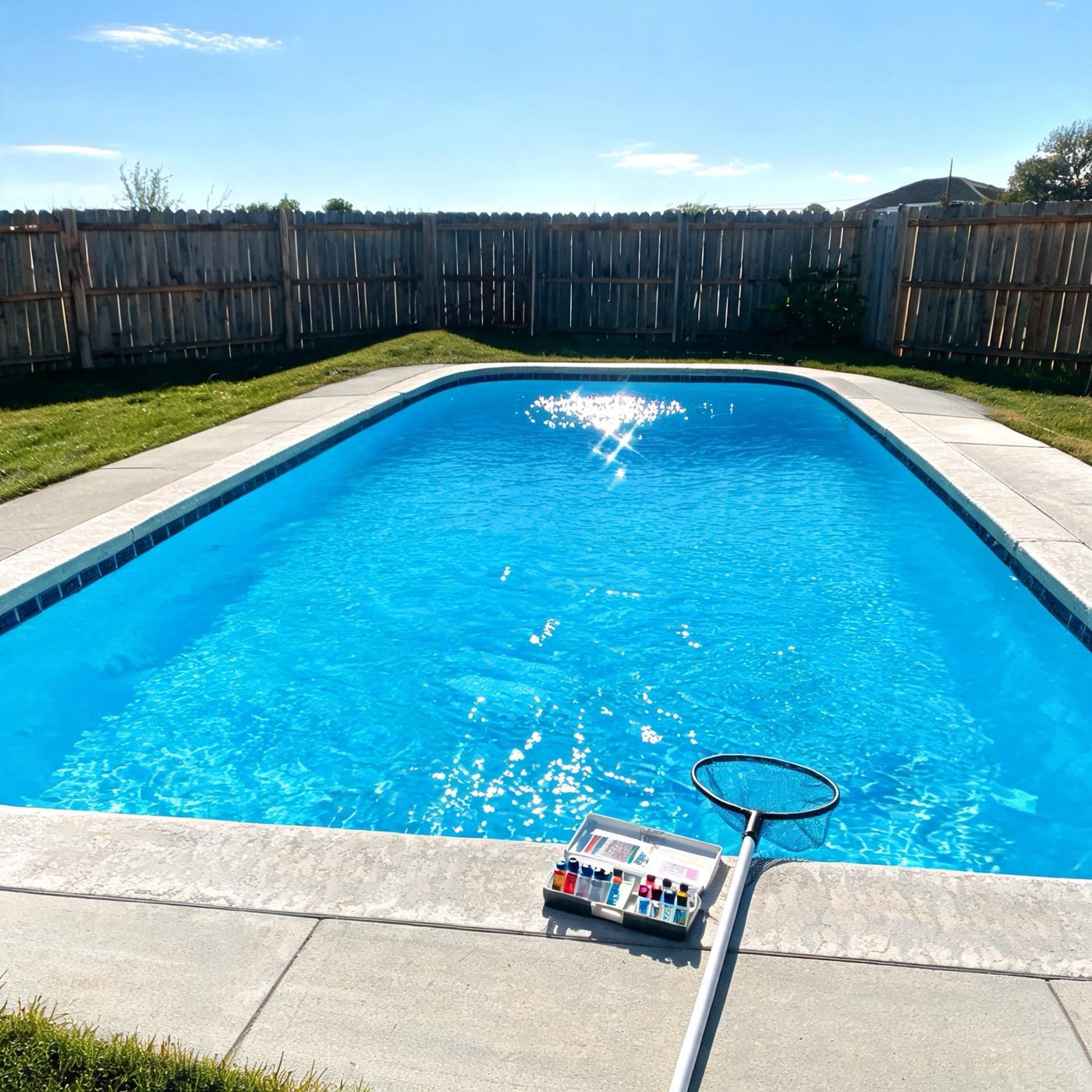 1420 Palmetto DrTuesday, 10:42 AM · Serviced by Marcus
Water test
FC3 ppmIn rangepH7.9HighTA90 ppmIn rangeCYA45 ppmIn rangeChemicals added
- Muriatic acid0.5 qt
- Liquid chlorine1 gal
Done today
Skimmed surface · Brushed walls and steps · Emptied baskets
pH ran a little high, so I added acid. I will retest on the next visit.
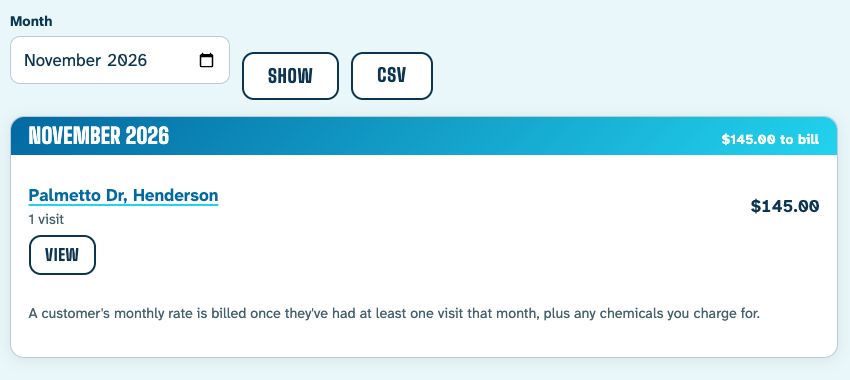
Bill at month end.
Each customer's invoice is their monthly rate plus any chemicals you charge extra for. Email it or save it as a PDF.
Contents
- Route
- One for each weekday, in your stop order
- Water test log
- FC, pH, TA, CYA, CH and salt, with history per pool
- Chemicals
- Your own list, with an optional charge per unit
- Service report
- Emailed to the homeowner after each stop
- Invoices
- Monthly. Email, print or save as PDF
- Export
- CSV of customers, visits and invoices
Does not contain
Dispatch boards for big crews, accounting sync, card processing, or a week of setup calls. Your customers keep paying you the way they already do.
Made for the operator running their own route who wants the paperwork gone, not a bigger system to manage.
Try it on your next route
14 days free. No card to start.